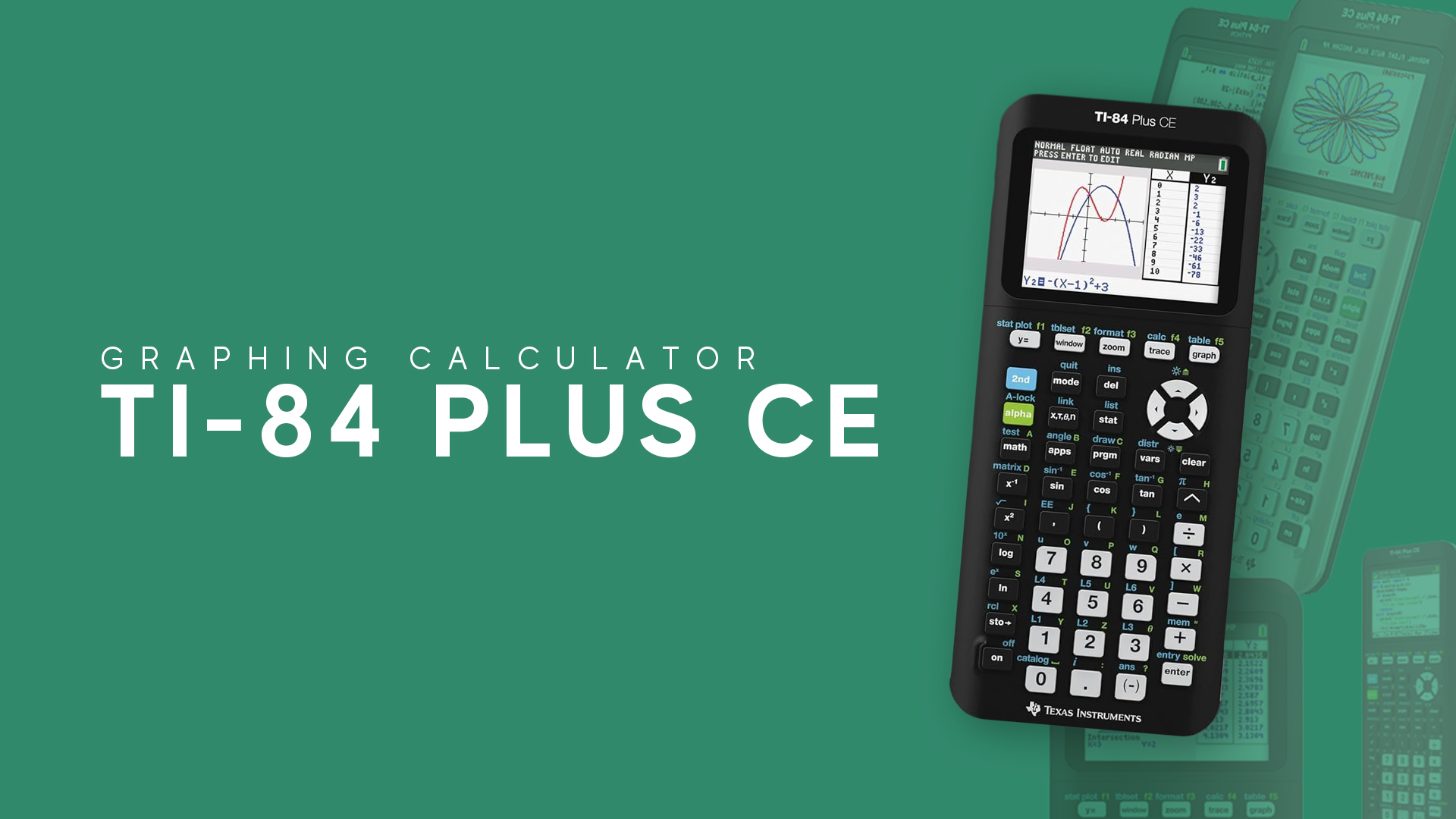
Familiar TI-84 Plus Functionality in a sleek new design thay features a crisp color screen
Key Features
30% lighter and thinner than earlier generation TI-84 Plus models
Vibrant backlit color screen
TI Rechargeable Battery
Available in a variety of fun colors
Pre-loaded Apps and Images
MathPrint™ functionality
Captivating Color. Optimal Display.
Visualize concepts clearly and make faster, stronger connections between equations, data, and graphs in full color.
Enhanced screen readability with high-resolution, backlit display
Distinguish between multiple graphs and plots with color-coded equations, plots and objects
Make graphs easier to read by adding grid lines
Approved for Exams
The TI-84 Plus CE is approved for use on the following exams:
PSAT*, SAT*, and ACT® college entrance exams
AP* Exams that allow or require a graphing calculator
Approved for use on the IB exam
TI-84 Plus CE Graphing Calculator Specifications
Hardware
Screen size: 320 x 240 pixels (2.8″ diagonal)
Screen resolution: 140 DPI; 16-bit color
Powered by the TI Rechargeable Battery (included)
3 MB FLASH ROM memory for data archive and storage of Apps
154KB of available RAM memory
USB port for computer connectivity, unit-to-unit communication with TI-84 Plus, TI-84 Plus Silver Edition, TI-84 Plus C Silver Edition, and other TI-84 Plus CE graphing calculators
Up to 10 graphing functions defined, saved, graphed and analyzed at one time
Sequence graphing mode shows time series plot, cobweb/stair-step plot and phase plots
User-defined list names. Lists store up to 999 elements
17 interactive zoom features
Numeric evaluations given in table format for all graphing modes
Interactive analysis of function values, roots, maximums, minimums, integrals and derivatives
8 different graph styles for differentiating the look of each graph drawn
Horizontal and vertical split- screen options
View graph and table side-by-side
Stores up to 10 – 50×50 matrices
Matrix operations including inverse, determinant, transpose, augment, reduced row echelon form and elementary row operations. Convert matrices to lists and vice-versa
List-based one- and two-variable statistical analysis, including logistic, sinusoidal, median-median, linear, logarithmic, exponential, power, quadratic polynomial, cubic polynomial, and quartic polynomial regression models
3 statistical plot definitions for scatter plots, xy-line plots, histograms, regular and modified box-and-whisker plots, and normal probability plots
Advanced statistics features including 10 hypothesis testing functions, 7 confidence interval functions and one-way analysis of variance
15 probability distribution functions including Normal, Student-t, Chi-square, Binomial, and Poisson
Business functions including Time-Value-of-Money (TVM), cash flows, and amortization. Full screen interactive editor for solving TVM problems
Interactive equation solver editor allows solving numerically for different variables in an equation
11 Regression calculations
Programming
Support TI Basic and ASM programming
Programming capability with the number of programs limited only by available memory
Connectivity
Electronically upgradeable graphing calculator allows you to have the most up-to-date functionality and software applications (Apps)
TI Connectivity Cable included
TI Connectivity Cable and TI Connect™ CE software allow information to be transferred to and from a computer and printed or stored on disk
Data Collection Support
Compatible with CBR 2™ Motion sensor, Vernier EasyLink® and Vernier EasyTemp® systems to allow collection and analysis of real‐world data
Accessories
TI-SmartView™ CE Emulator Software for the TI-84 Plus family. Allow educators to project a representation of the calculator’s display to the entire class. It is an ideal demonstration tool for leading classroom instruction of math and science concepts.